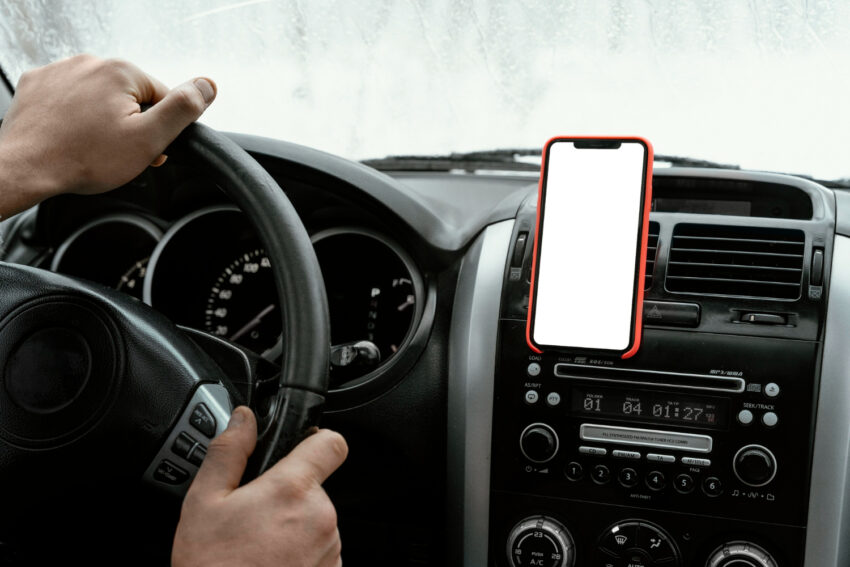
Installing a car phone holder in a Toyota Corolla (2020–2024) is one of the best upgrades you can make for daily driving. A phone holder improves safety, keeps your hands free, and helps you use navigation and music without distractions. But choosing the right placement and installing it correctly is important to avoid damaging the dashboard or blocking your view.
In this guide, we’ll cover everything you need to know, including a step-by-step installation process, best placement options, and how to avoid dashboard damage. This guide is designed for Corolla owners of all trim levels, including LE, SE, XLE, XSE, and hybrid models.
Why Installing a Phone Holder Matters in Corolla 2020–2024
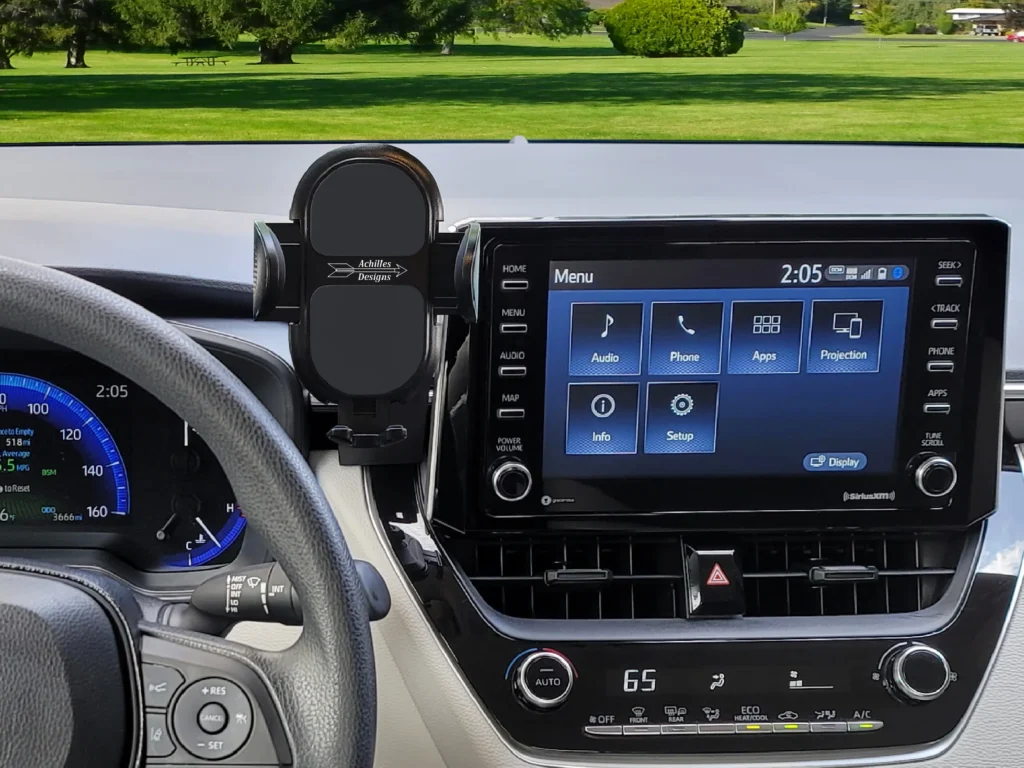
Modern Corolla models have a clean and sleek interior design. While the infotainment screen is convenient, using your phone for maps or calls while driving is not safe. A phone holder provides a stable mount for your phone, keeping it within your view but not blocking your windshield.
Using a phone holder can reduce distracted driving. According to the National Highway Traffic Safety Administration (NHTSA), distracted driving is a major cause of crashes, and phone use is one of the most common distractions. You can learn more from NHTSA’s official safety resources: NHTSA Distracted Driving.
Types of Phone Holders for Corolla 2020–2024
Before installing a phone holder, you need to choose the right type. The most common phone holders are:
1. Dashboard or Windshield Suction Mount
These holders use suction cups to attach to the dashboard or windshield. They are strong and adjustable, but they may leave marks on the dashboard if installed improperly.
2. Air Vent Mount
These holders clip into the air vent. They are easy to install and remove, but they may block airflow and may not support heavy phones.
3. CD Slot Mount
These holders use the CD slot as a mounting point. If your Corolla doesn’t use the CD player, this can be a good option.
4. Magnetic Mount
Magnetic mounts use magnets to hold your phone. They are easy to use, but require a metal plate attached to your phone or phone case.
5. Cup Holder Mount
These mounts fit into the cup holder and extend upward. They are stable and avoid dashboard contact, but they may block the cup holder.
Best Phone Holder Placement for Corolla 2020–2024
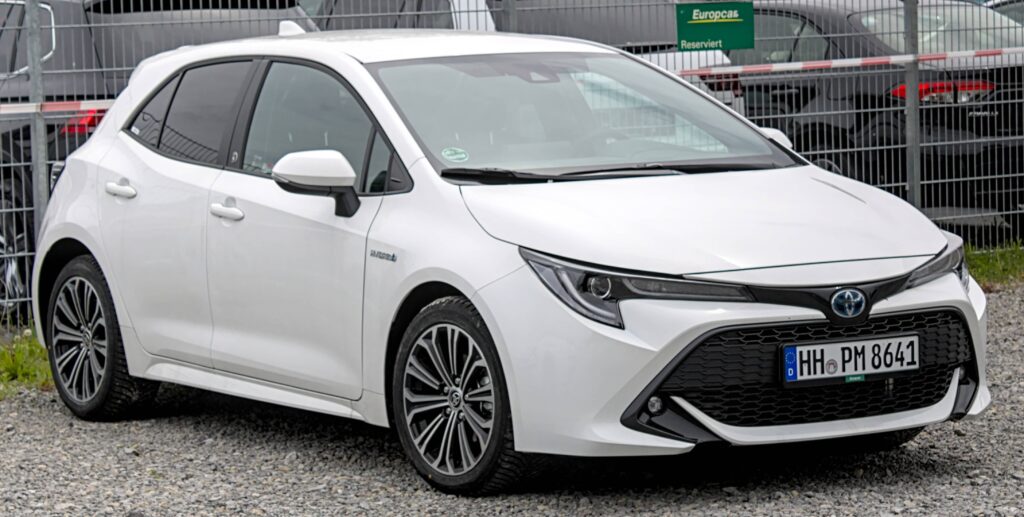
Choosing the best placement is essential for safety and comfort. The goal is to keep your phone within easy reach without blocking your view of the road.
Recommended Placement Options
- Near the center console – This keeps the phone in your peripheral view without blocking the windshield.
- On the dashboard near the infotainment screen – Great for navigation and music control.
- Air vent mount – Good for short trips, but may affect airflow.
- Cup holder mount – Best for avoiding dashboard contact and preventing damage.
Best Placement for Safety
For safety, the phone should be positioned so you can glance at it without moving your head or eyes too much. The safest placement is usually near the center console or dashboard, where it does not block your view of the road.
Tools You Need for Installation
Most phone holders do not require special tools, but you may need the following items:
- Isopropyl alcohol (for cleaning the surface)
- Microfiber cloth
- Phone holder kit (includes mount and adhesive or suction cup)
- Optional: double-sided automotive tape (for added strength)
Step-by-Step Guide to Installing a Phone Holder in Corolla 2020–2024
Below is a detailed step-by-step guide that works for most phone holders. The steps may vary slightly depending on the type of mount you choose.
Step 1: Choose the Best Mount Type
Decide whether you want a suction mount, vent mount, magnetic mount, or cup holder mount. For Corolla 2020–2024, the most popular choices are dashboard suction mounts and air vent mounts.
Step 2: Select the Best Placement
Choose a location that does not block your view or interfere with air vents and controls. The most common safe locations are:
- Above the infotainment screen
- Near the center console
- On the dashboard near the passenger side
Step 3: Clean the Surface
Before attaching the mount, clean the surface with isopropyl alcohol and a microfiber cloth. This removes dust and oil, ensuring a strong bond. If you skip this step, the mount may fall off while driving.
Step 4: Install the Mount
For suction mounts: Press the suction cup firmly against the dashboard or windshield, then lock the suction lever if available. Wait a few minutes before attaching the phone.
For adhesive mounts: Remove the protective film and press the mount firmly against the cleaned surface for at least 30 seconds.
For vent mounts: Insert the mount into the vent and adjust the clip until it is secure.
Step 5: Attach the Phone Holder
Attach the phone holder to the mount, making sure it is secure and aligned. Adjust the angle so you can view the screen without moving your head.
Step 6: Test Stability
Before driving, test the mount by shaking the phone gently. If the phone moves or slides, adjust the mount or choose a different location.
How to Avoid Dashboard Damage in Corolla 2020–2024
Many Corolla owners worry about damaging the dashboard. Here are the best tips to avoid damage:
1. Use Non-Damaging Mounts
Choose mounts that use suction or clip mounts instead of strong adhesives. Suction mounts are easier to remove without leaving marks.
2. Avoid Heat Exposure
Heat can weaken adhesives and damage the dashboard surface. Avoid placing the mount where it will be exposed to direct sunlight for long periods.
3. Use a Dashboard Pad
Dashboard pads provide a soft surface for suction mounts. They also prevent marks on the dashboard and improve suction strength.
4. Remove the Mount Carefully
When removing a mount, do not pull it off quickly. Gently lift the edge of the suction cup or adhesive and remove it slowly to avoid leaving residue.
5. Avoid Cheap Adhesives
Cheap adhesive mounts can leave sticky residue and damage the dashboard finish. If you must use adhesive, choose a high-quality automotive adhesive that is safe for dashboards.
Best Phone Holder Models for Corolla 2020–2024
Here are some popular phone holders that work well with Corolla 2020–2024:
- iOttie Easy One Touch – strong suction mount with easy one-hand operation. (Available on Amazon)
- WizGear Magnetic Mount – magnetic mount with strong grip. (Available on Amazon)
- Beam Electronics Vent Mount – simple and sturdy vent mount. (Available on Amazon)
- AUKEY Cup Holder Mount – stable cup holder mount. (Available on Amazon)
Common Installation Mistakes to Avoid
Here are common mistakes people make when installing phone holders in Corolla:
- Placing the mount too high: This can block your view of the road.
- Placing the mount on curved surfaces: Curved surfaces reduce suction strength.
- Ignoring temperature: Heat can weaken suction and adhesives.
- Using a heavy phone with weak mount: Choose a strong mount for large phones.
- Not cleaning the surface: Dust and oil reduce suction power.
How to Use Your Phone Holder Safely
To use your phone holder safely, follow these tips:
- Use voice commands for navigation and calls.
- Set your destination before starting your drive.
- Avoid adjusting the phone while driving.
- Keep the phone in portrait mode for easy viewing.
If you’re working on your Corolla and want to ensure full vehicle health, also check these related guides:
- Toyota Corolla Brake Pad Replacement (DIY)
- Toyota Corolla Transmission Fluid Change (Automatic & CVT)
- Toyota Corolla Oil Change Guide (Step-by-Step DIY)
- Toyota Corolla Coolant Flush & Radiator Maintenance
- Toyota Corolla Tire Rotation & Alignment Guide
FAQs
1. Can I install a phone holder on the Corolla dashboard?
Yes, you can install a phone holder on the dashboard using a suction mount or adhesive mount. Just make sure the surface is clean and flat.
2. Where is the best place to mount a phone holder in Corolla 2020–2024?
The best place is near the center console or dashboard close to the infotainment screen, without blocking your view.
3. Will a phone holder damage my Corolla dashboard?
Not if you use a quality suction mount and avoid harsh adhesives. Use a dashboard pad for extra protection.
4. Are vent mounts safe for Corolla?
Yes, vent mounts are safe, but they may block airflow and can loosen in hot weather.
5. Should I use a magnetic phone holder?
Magnetic holders are convenient but require a metal plate on the phone. They are best for lightweight phones.
6. Can I use a phone holder with wireless charging?
Yes, but make sure the holder supports wireless charging and is compatible with your phone.
7. What should I do if the suction mount keeps falling off?
Clean the surface, use a dashboard pad, and avoid placing it on curved or textured surfaces.
8. Is it legal to use a phone holder while driving?
Yes, phone holders are legal and recommended for hands-free driving. However, local laws may vary, so check your state regulations.
9. Can I use the phone holder for GPS navigation?
Yes, a phone holder is ideal for GPS navigation and keeping the phone within view.
10. Can I install a phone holder on a Corolla Hybrid?
Yes, the Corolla Hybrid has the same interior layout, so any standard phone holder works.
11. Should I choose a dashboard or vent mount?
Choose based on your preference: dashboard mounts are more stable, while vent mounts are easier to install.
Conclusion
Installing a phone holder in a Toyota Corolla 2020–2024 is a simple upgrade that improves safety and convenience. The key is choosing the right type of mount and placing it in a location that does not block your view or interfere with controls. Suction mounts on the dashboard or center console are the most reliable, while vent mounts offer quick installation.
Always clean the surface before installation and avoid strong adhesives that may damage the dashboard. With the right mount and correct placement, you can enjoy hands-free navigation, safer driving, and a cleaner cockpit experience.