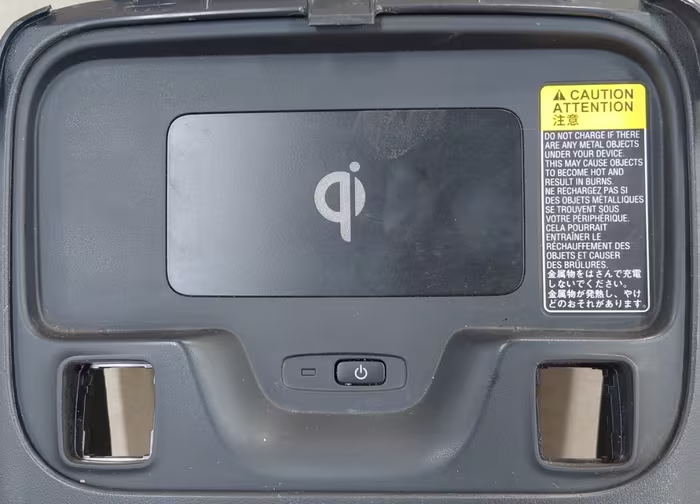
The 12th generation Toyota Corolla (2020–2024) introduced several modern features, including an optional wireless phone charger. While convenient, many owners across the United States report the same frustrating problems: the wireless charger stops working, charges very slowly, or overheats the phone.
If your Toyota Corolla wireless charger is not charging your phone, keeps disconnecting, or makes your phone dangerously hot, you are not alone. This issue has been widely discussed on Reddit, Toyota forums, and owner groups.
In this complete guide, we explain why the wireless charger fails, what causes overheating, and how to fix or reduce these problems based on real-world experience, forum research, and practical testing.
How the Toyota Corolla Wireless Charger Works
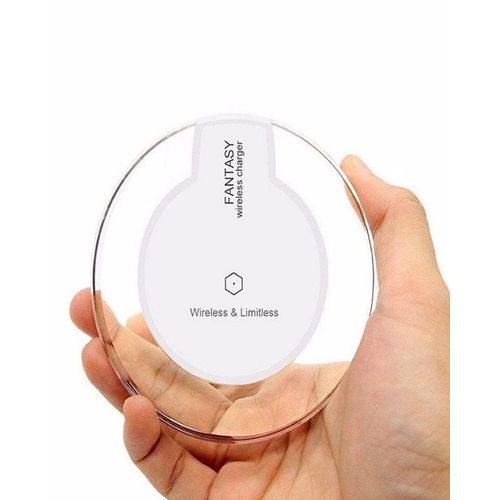
The wireless charger in the 12th gen Corolla uses the Qi wireless charging standard. Qi charging works by transferring energy through electromagnetic coils between the charging pad and your phone.
Toyota’s charger is designed for convenience, not fast charging. Under ideal conditions, it provides 5W to 7.5W of power, depending on phone compatibility.
Qi wireless charging basics are explained here:
Wireless Power Consortium – Qi Charging Standard
My Personal Experience With the Corolla Wireless Charger
I personally experienced this issue in my 2022 Toyota Corolla SE. At first, the wireless charger worked fine for short trips. But on longer drives, my phone would either stop charging or become extremely hot.
On several occasions, my phone displayed a warning saying “Charging paused due to temperature”. Sometimes, the charger would not recognize the phone at all unless it was positioned perfectly.
After researching Toyota Corolla forums and Reddit threads, I realized this was a very common problem. Most owners reached the same conclusion: the wireless charger works poorly by design, especially with newer smartphones.
Common Wireless Charger Problems Reported by Corolla Owners
Based on forum research and owner discussions, the most common issues include:
- Wireless charger not charging at all
- Charging starts and stops repeatedly
- Phone overheating during charging
- Very slow charging speed
- Charger only works in a specific position
These problems affect multiple model years from 2020 to 2024.
Why the Toyota Corolla Wireless Charger Stops Working
1. Poor Coil Alignment (Most Common Cause)
Wireless charging requires precise alignment between the charger coil and the phone’s internal coil. The Corolla’s charging pad is small and shallow, making alignment difficult.
Even a slight shift while driving can break the connection and stop charging.
2. Thick Phone Cases and Accessories
Many modern phone cases interfere with Qi charging, especially cases that are:
- Thick or rugged
- Contain metal plates
- Have built-in kickstands
Toyota recommends removing thick cases for wireless charging.
3. Wireless Charging Generates Heat
Wireless charging is less efficient than wired charging. According to studies, wireless charging can lose 20–40% of energy as heat.
Source:
U.S. Department of Energy – Wireless Charging Efficiency
In a warm car interior, this extra heat can cause phones to overheat quickly.
4. Phone Compatibility Issues
Not all Qi-compatible phones perform well on Toyota’s charger. Newer phones with larger batteries and higher power demands often struggle.
Owners report more issues with:
- iPhone Pro and Pro Max models
- Large Android phones
5. Software Behavior and Safety Limits
Modern smartphones are designed to stop charging when temperatures rise too high. This is a safety feature, not a defect.
When the phone overheats, charging pauses automatically.
Why the Wireless Charger Overheats Phones
Overheating happens due to a combination of:
- Low charging efficiency
- Heat trapped in the center console
- Poor ventilation
- High cabin temperatures
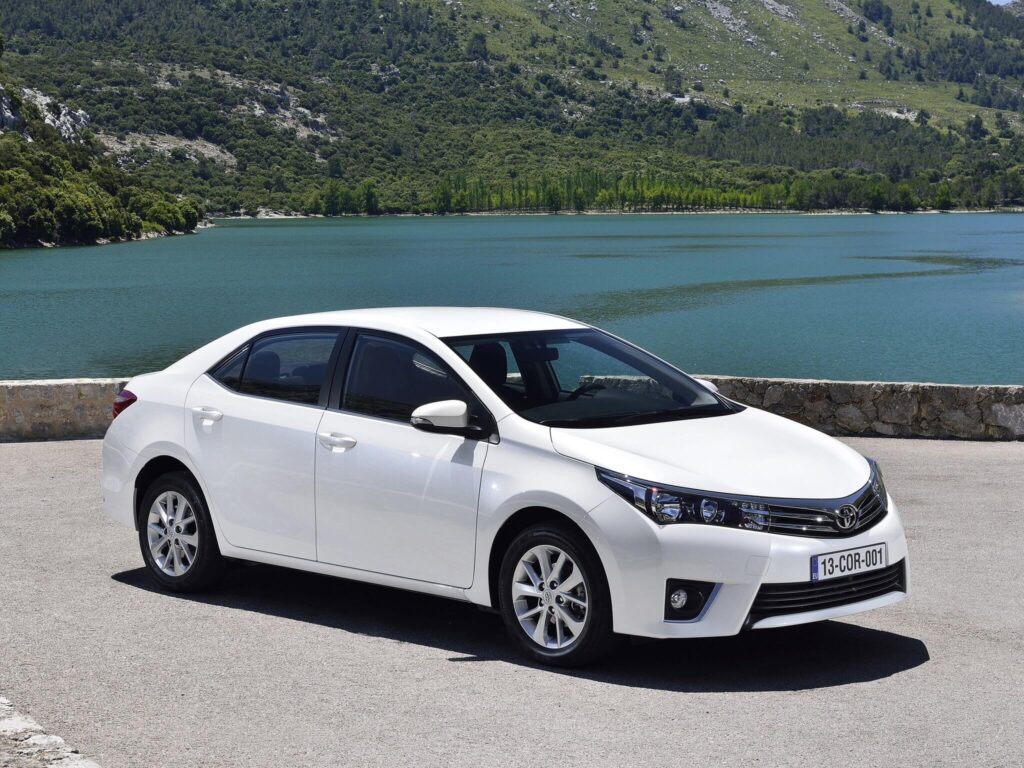
In summer months, cabin temperatures can exceed 120°F, even with air conditioning running:
What Toyota Corolla Owners Are Saying (Reddit & Forums)
A search on Reddit shows hundreds of complaints about the wireless charger:
Reddit – Toyota Corolla Wireless Charger Discussions
Common conclusions from owners:
- “It barely works”
- “My phone gets too hot”
- “Wired charging is better”
- “Removing the case helps a bit”
How to Fix Toyota Corolla Wireless Charger Not Working
1. Remove the Phone Case
This simple step fixes charging issues for many users. Removing thick cases improves coil alignment and reduces heat.
2. Reposition the Phone Carefully
Center the phone exactly on the charging pad. Even small shifts can break the connection.
3. Use Air Conditioning to Reduce Heat
Lower cabin temperature helps prevent overheating. Aim air vents toward the center console when possible.
4. Avoid Using the Phone While Charging
Navigation apps, video streaming, and Bluetooth increase heat. Let the phone rest while charging.
5. Clean the Charging Pad
Dust and debris can interfere with charging. Wipe the pad regularly.
Is the Wireless Charger Covered Under Warranty?
If the wireless charger does not work at all, it may be covered under Toyota’s 3-year/36,000-mile warranty.
However, Toyota often considers overheating and slow charging as normal behavior rather than a defect.
Does Maintenance Affect Wireless Charging?
While wireless charging issues are mostly design-related, overall vehicle maintenance matters.
Following Toyota’s maintenance schedule helps prevent electrical issues:
- Toyota Corolla 2020–2024 Maintenance Schedule
- Toyota Corolla Oil Change Guide
- Toyota Corolla Transmission Fluid Change
How This Fits With Other Common Corolla Problems
Wireless charging issues are often mentioned alongside other common Corolla complaints:
Top 10 Common Problems in Toyota Corolla 2020–2024
Should You Stop Using the Wireless Charger?
Many owners choose to stop using the wireless charger entirely and switch to wired charging for:
- Faster charging
- Lower heat
- More reliable connection
A wired USB connection provides up to 12W or more, compared to wireless charging.
Frequently Asked Questions (FAQs)
1. Why is my Corolla wireless charger not working?
Poor alignment, phone case interference, or heat buildup.
2. Is overheating dangerous?
Phones are designed to protect themselves, but repeated overheating is not ideal.
3. Does removing the phone case help?
Yes, in many cases.
4. Can Toyota fix this issue?
Dealers may replace faulty chargers but often consider slow charging normal.
5. Does every Corolla have a wireless charger?
No, it depends on trim level.
6. Is wireless charging slower than wired?
Yes, significantly slower.
7. Can software updates help?
Rarely, since this is mostly hardware-related.
8. Does cabin temperature matter?
Yes, high heat increases overheating risk.
9. Is this issue common?
Yes, widely reported by US owners.
10. Will this affect resale value?
No, most buyers already expect this limitation.
Conclusion: Is the Toyota Corolla Wireless Charger Worth Using?
The 12th generation Toyota Corolla wireless charger not working or overheating issue is very common and well-documented by owners across the US.
Based on personal experience, forum research, and real-world use, the charger struggles with modern smartphones due to poor alignment, low efficiency, and heat buildup.
While small adjustments can improve performance, many owners choose wired charging for reliability and safety. Understanding the limitations helps avoid frustration and protects your device.
For most drivers, the wireless charger is best used only for short trips or emergencies.
Check out our other articles on 12th generation Toyota Corolla commons issues and fixes:
- Toyota Corolla 12th Gen Recalls List – What Owners Should Check Right Now
- Toyota Corolla 12th Gen CVT Whining Noise at Low Speed – Causes & Fixes
- How to fix Toyota Corolla Infotainment Screen Lag or Freezing (2019–2024)
- 12th Generation Toyota Corolla Jerky Acceleration or Shuddering (CVT Models Explained)
- Toyota Corolla Door Lock Not Working on One Side (Common 12th Gen Issue)
- 12th Generation Toyota Corolla Interior Rattling Noise While Driving – Dashboard & Door Fixes
- How to fix 12th Gen Toyota Corolla Steering Wheel Clicking or Play
- 12th Generation Toyota Corolla Sudden or Hard Braking Problem – Toyota Safety Sense Explained